APEX #2 — The Foundations: Docker on the APEX Without Getting Thrown Out by OPA
13 October 2026 · 4 min
#distech-controls,#eclypse-apex,#docker,#mqtt,#mosquitto,#serie-apex
ECLYPSE APEX series — episode 2/6 · Previous: #1 A Controller Running Docker, Seriously?
Ever tried to get a couch into an elevator? You turn it, you tilt it, you take the feet off… and eventually it fits. Creating a container on an ECLYPSE APEX is exactly that. Except the elevator is called OPA and it answers “request rejected by administrative policy” with no further explanation.
Today we lay the foundations: how the APEX handles Docker, the rules to follow, and our first real container, Mosquitto. The rest of the series builds on it.
What we have… and what we don’t
Forget your homelab reflexes right away. No terminal here.
| What we have | What we don’t have |
|---|---|
| Containerization menu in Eclypse Facilities (images, containers, volumes, networks) | No SSH, no docker exec |
The REST API v2: /api/rest/v2/services/containerization/... | No docker-compose |
| Persistent named volumes | No logs endpoint (docker logs) |
| A bridge network between containers | No USB passthrough |
Each container is created from a creation JSON, in the Docker Engine API format. It’s a bit rough at first, but you get used to it quickly, and it ends up being very reproducible.
OPA, the nightclub bouncer

Distech put an OPA authorization plugin in front of the Docker engine. Its job: refuse anything that could endanger the controller. After quite a bit of trial and error, here’s what gets through:
ExposedPortsis mandatory in the JSON, otherwise it’s rejected;- host ports in the 50xxx range (and not all of them: 50880 was refused on my unit, 50080 accepted);
- standard internal ports: 1883, 8080, 5432, 6379, 1700, 1880… A Mosquitto on 1884? Rejected, the APEX reserves certain ports for itself;
Mountsrather thanBindsfor volumes;"CpusetCpus": "0"in theHostConfig, which confines your containers to one core: the control logic keeps the others.
Remember this list: when OPA turns you down, it’s almost always one of these points.
ARM64, or the latest tag trap
The APEX runs on ARM64. Most official images are multi-arch, but not all of them, and sometimes not for every tag. A real example: chirpstack/chirpstack:latest was x86 only at the time of my tests, while the fixed version tag went through.
My little trick to test an image without any fuss: create a throwaway container that just prints its help.
{
  "Image": "monimage:tag",
  "Cmd": ["--help"],
  "HostConfig": {
    "CpusetCpus": "0",
    "RestartPolicy": {"Name": "no"},
    "NetworkMode": "bridge"
  }
}
If it ends up exited, the image runs on the APEX. If it stays in restarting, it isn’t compatible (or it doesn’t like --help, but that’s rarer).
All-in-one or multi-container: the story of a U-turn
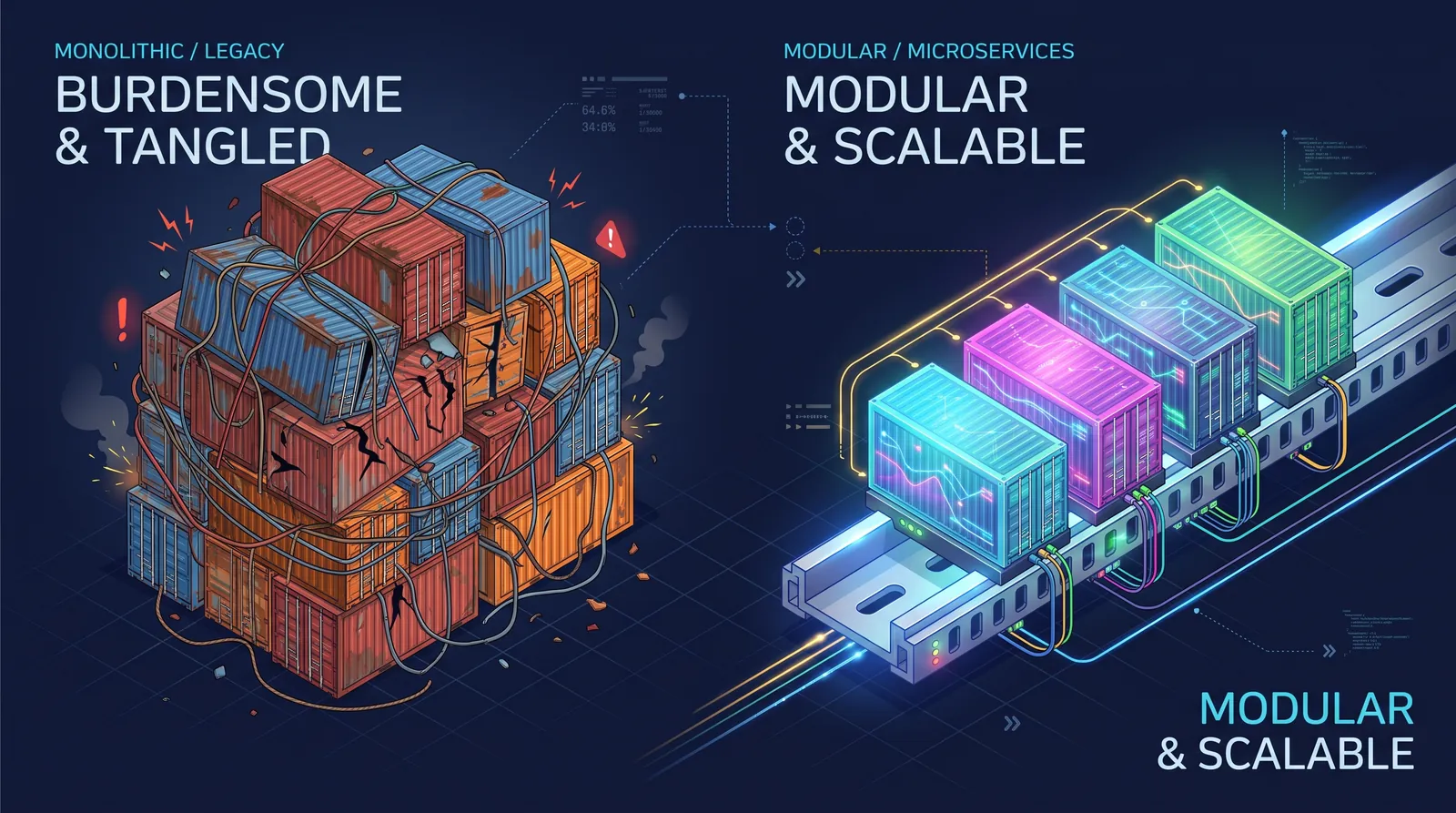
At first, I was convinced I’d found the right idea: a single custom image bundling ChirpStack, PostgreSQL, Redis and Mosquitto. No networking worries, no startup order, one container to deploy. On paper, it was great.
In real life, it was hell. An update? Rebuild everything. A service crashes? Good luck figuring out which one. And the image weighed a ton.
So I made a U-turn: one service, one container. It means more JSON to write, but each piece lives its own life, updates on its own and gets debugged on its own. The whole rest of the series is built that way.
The best practices that saved my skin
- Lowercase container names. Names like
PostgreSQLorRedisgave me name resolution problems between containers. - Communicate via
APEX_IP:host_port. It’s the most reliable path for one container to reach another. - Logs in a volume. No
docker logs? Redirect the output to a file in a volume, and read it with a FileBrowser or an nginx mounted on the same volume. - Fixed version tags, always.
- A port table kept up to date. Trust me, by the fifth container you’ll thank me.
| Service | Internal port | APEX port |
|---|---|---|
| Node-RED | 1880 | 50080 |
| ChirpStack (web) | 8080 | 50081 |
| Mosquitto | 1883 | 50083 |
| Zigbee2MQTT (web) | 8080 | 50084 |
| nginx (logs) | 80 | 50089 |
| ChirpStack REST API | 8090 | 50090 |
| FileBrowser (troubleshooting) | 80 | 50092 |
| LoRaWAN Gateway Bridge | 1700/udp | 50170 |
| Redis | 6379 | 50379 |
| PostgreSQL | 5432 | 50432 |
First container: Mosquitto

Mosquitto is the MQTT broker: the train station concourse where everybody crosses paths. Zigbee2MQTT, ChirpStack, Node-RED and Telegraf will all go through it, so logically it’s the first thing we install.

- Facilities → Containerization → Images → Add:
eclipse-mosquitto:2. - Containers → Create, name
mosquitto, with this JSON:
{
  "Image": "eclipse-mosquitto:2",
  "ExposedPorts": { "1883/tcp": {} },
  "Cmd": [
    "sh", "-c",
    "echo 'persistence false\nallow_anonymous true\nconnection_messages true\nlog_type all\nlistener 1883' > /mosquitto/config/mosquitto.conf && mosquitto -c /mosquitto/config/mosquitto.conf"
  ],
  "HostConfig": {
    "CpusetCpus": "0",
    "RestartPolicy": { "Name": "unless-stopped", "MaximumRetryCount": 0 },
    "PortBindings": { "1883/tcp": [{ "HostPort": "50083" }] }
  }
}- Start it, then connect MQTT Explorer from your PC to
APEX_IP:50083.
Note the trick: no config file to mount, we write it on the fly with a sh -c. We’ll reuse this principle often.
A small caveat that matters: here the broker accepts anonymous connections. That’s perfect on a test bench, but not on a site. In production, enable authentication and restrict network access.
What’s next?
The foundations are poured: you know how to talk to OPA, check an ARM64 image, read logs without SSH, and you have an MQTT broker running in your controller. Not bad for something living on a DIN rail.
In the next episode, we plug in a Zigbee coordinator and make a SONOFF module obey a professional BMS. Things are going to blink!
Links
- ECLYPSE APEX product page — Distech Controls
- Useful REST API v2 endpoints:
/services/platform,/services/containerization/containers,/images,/volumes,/networks - Mosquitto and MQTT Explorer
$ gtb react
Did this article resonate?
$ gtb comments --tail
Comments
// loading…